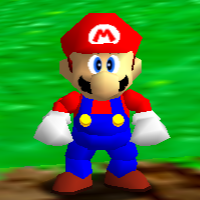
Super Mario 64
Super Mario 64 PC Port Notes
- To have a PC build of Super Mario 64 (or any other system, really) you NEED to have a valid ROM of the game. Unfortunately, there's no way I can legally tell you where to get it, but I assume since you're reading this site you know where to get it.- Building it doesn't require programming, but it does need assistance if you can't find an EXE ready to go. You'll likely need free software to build it. - One thing they don't tell you on these sites is if your controller will work or not. For Windows, do the following:
- Some builds include Puppycam, a new camera system for the game. You can tell if Puppycam is on or not based on if Lakitu is there on the lower right corner of the HUD (the default behavior) or if it's an image of a cartoon corgi instead (meaning Puppycam is active). I did not care for it.
- Right now, Sm64pcBuilder2 is the most complete and easiest way to experience the PC port, including adding custom mods. However, the people behind the Zelda 64 PC ports have released Ghostship, which is the port for Super Mario 64, which is an easier setup. However, Ghostship doesn't have much in the way of the features and the current version as of this writing, Dutchman Charlie 1.0.2, is still prone to crashing constantly.